A day in the field with Crew 1.
The phone app for party chiefs and field techs. Everything the crew needs downloads before the truck leaves the yard, works without signal, and syncs to the office on reconnect.
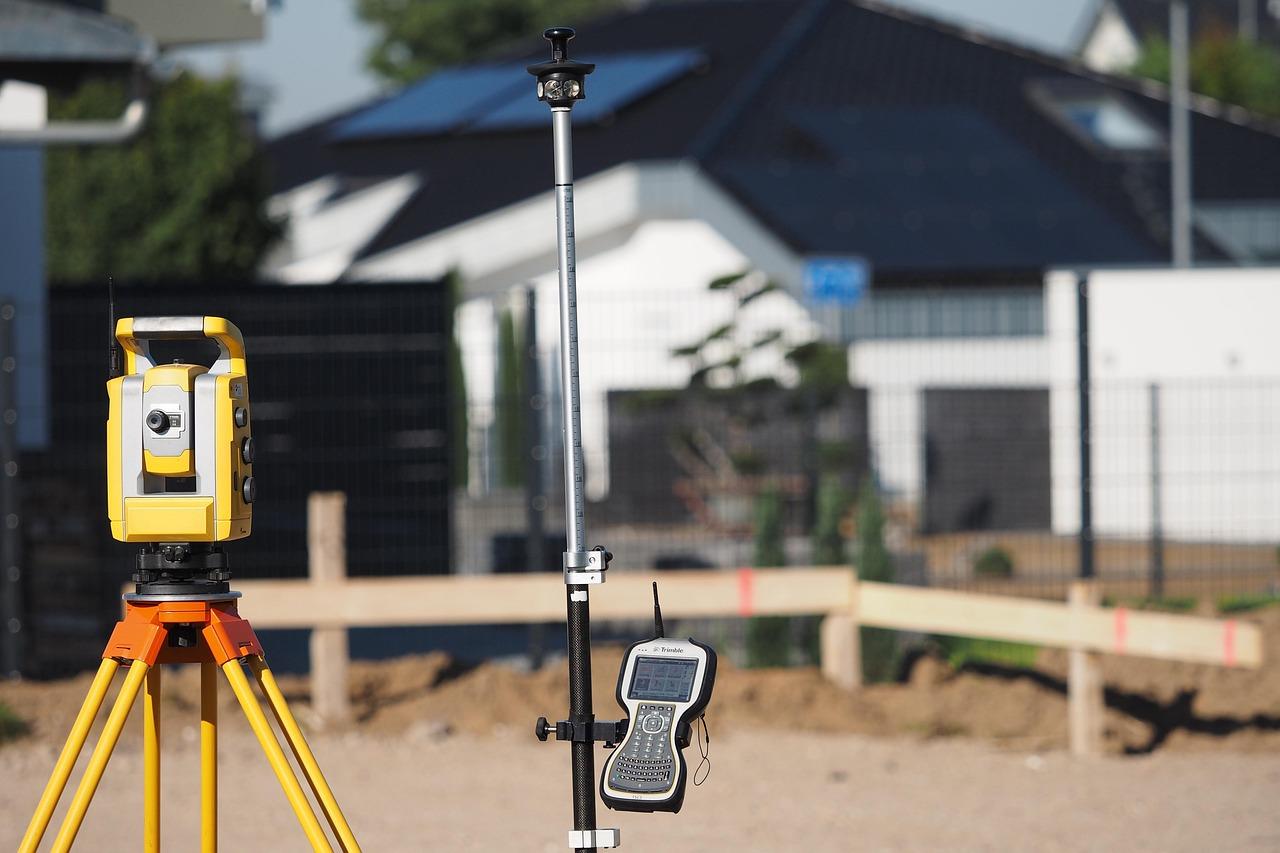
A day with Crew 1.
Dana is the party chief on Crew 1, with Luis on the rod. Today is a reference plan at 3300 Concession 7, then a short boundary job if the rain holds off.
- 01 · 7:12 AM
Today
The day’s visits in order, with the truck, the instrument and who is on the crew. Field packages show as saved before anyone leaves the yard.
- Clock the crew in with one tap
- Truck 4, GNSS R12, Dana and Luis on one card
- Office notes, like “rain after 2 PM, start Elgin Park early”
- 02 · 7:58 AM
Visit and field package
Access notes, contacts and every monument found on earlier jobs, on an offline map. The assistant answers from the saved pack, so it works at the back of the lot too.
- Gate code, parking and lane conditions
- Monuments on record, with the job that found them
- Call the owner or get directions from the visit
- 03 · 11:20 AM
Capture
Checklist, photos, sketches, raw instrument files and time, all saved on the phone. “Mark ready for office” hands the visit to drafting.
- Checklists your firm sets per survey type
- Photos of every monument found, with the sketch page
- Time on site for each person on the crew
- 04 · 3:05 PM
Sync
Everything waits in a queue until there is signal, then sends on its own. The crew can see exactly what is still on the phone.
- Raw files, photos, sketches, checklist and time in one queue
- Sends automatically when the truck is back in range
- Originals stay on the phone until the office confirms receipt
Field packages
The office builds the pack from the parcel record and sends it to the crew. It saves to the phone over Wi-Fi at the yard, so nobody is downloading plans on one bar at the side of a concession road.
- Prior plans and the field notes that go with them
- Monuments found on earlier jobs, and the ones that were not
- Gate codes, landowner contacts and parking notes
- Offline map tiles for the parcel and its neighbours
Raw observations
Attach the raw file straight from the controller, along with photos and sketch pages. Pinbase stores the original as it came off the instrument. Nothing is converted or cleaned up on the way in.
- .jxl, .rw5 and .job files from the controller; other formats attach as plain files
- Photos and sketch pages linked to the visit and the monument
- Originals preserved; the drafter works from the same file the crew attached
Safety and access
Locates, hazards and landowner notes are in front of the crew before they open the gate, not in an email they read last night.
- Safety briefing and locate confirmation at the top of the checklist
- Hazards and livestock notes carried forward from earlier visits
- Landowner contact and “call before entry” instructions on the visit
Works with no bars
The crew app keeps working when the phone has no signal. A banner says the crew is offline and how many items are queued, and the queue sends on its own when signal comes back.
- Checklists, photos, sketches, raw files and time all work offline
- The assistant answers from the saved field package
- Allow about 200 MB of storage per phone for field packages
No app store, no password
Field staff get a text message with a join link. They open it in the phone’s browser, confirm a six-digit code, and add Pinbase to the home screen, where it opens full screen like any other app.
- Invited by mobile number; name, role and crew are already filled in
- Works on iPhone and Android
- Location is used only while the app is open, to show you on the parcel map
Put one crew on it for a week.
Book a demo, then invite one crew by text and send them a real field package. You will know by Friday whether it works at the back of your lots.